Developer Console for Undercrewed
Undercrewed has a powerful developer console that allows you to edit the game while it is running. It is designed to help debug the game but I thought it would be a bit of fun to leave it available for players. It all uses simple commands and even drops down accepted phrases so you don’t need to remember anything.
It absolutely will break things in the game, it's very powerful so it allows you to change things that were never intended to be changed. However it won’t cause any permanent damage because all changes are reset once you reload the game.
Use ` to open and close it (button left of the 1 (the symbol is called Grave))
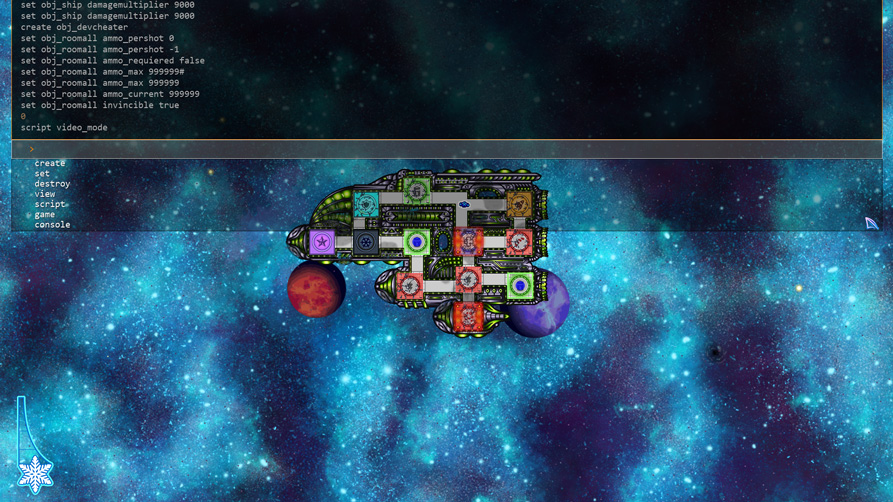
Spawn enemies :
create obj_enemyr5t5
Has to be done when ingame, well you can try spawning an enemy when on the menu but it won’t know where to drive to and will crash.
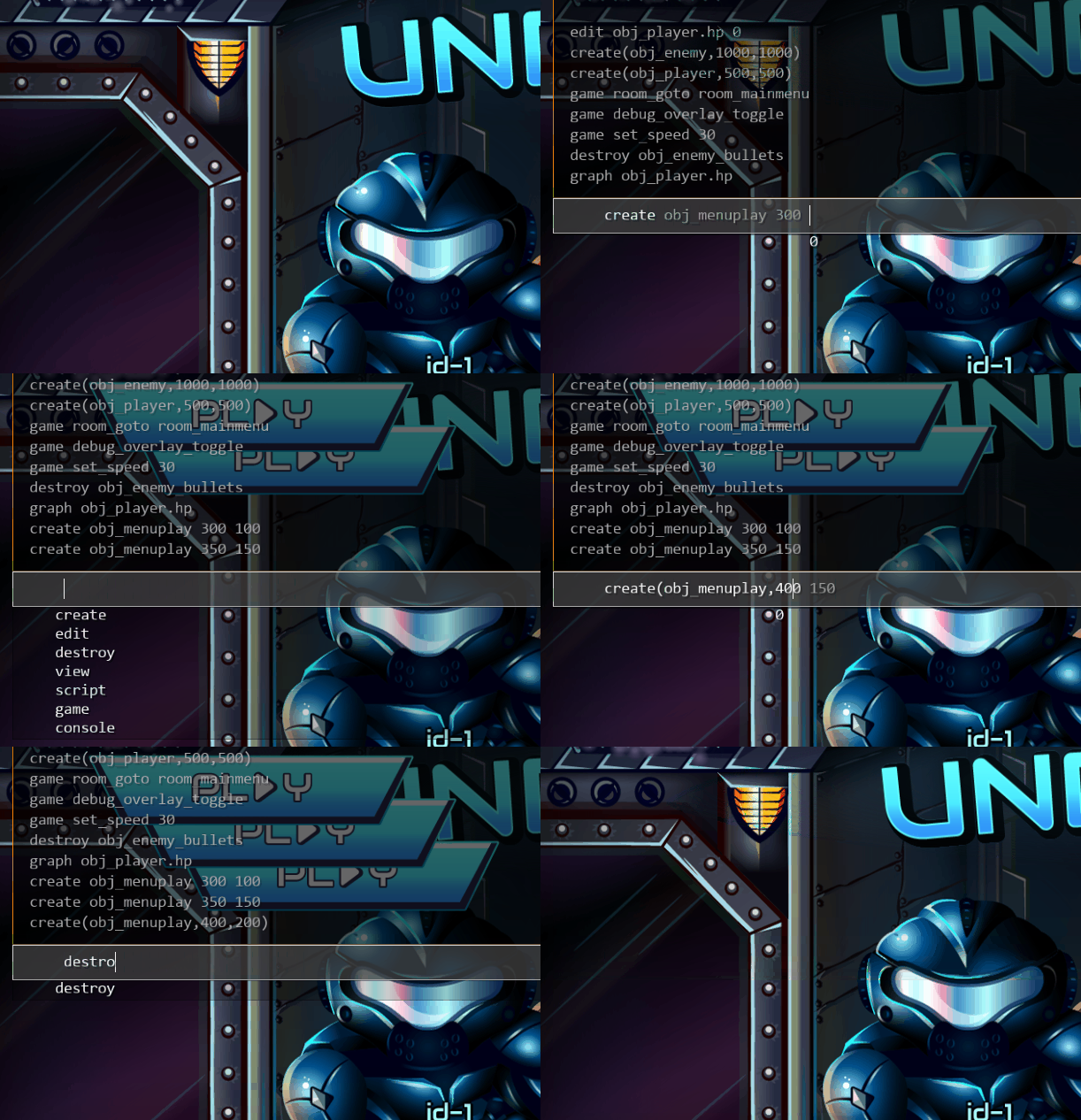
Video mode :
script video_mode
This is what I use to record screenshots and gameplay videos. Kinda makes things look cool and removes the gui, would be quite fun to play like this.
One hit kills mode :
set obj_ship.hp 1
Fancy a really hard game with your friends? How about trying to do a level without taking a hit?
Developer debug cheat view :
create obj_devcheater
This tool gives me a debug overlay to show what the enemies want to do, what networks commands are incoming/outgoing. It also allows you to damage/heal your ship, skip parts of the level, destroy enemies etc.
Developer debug AI view :
set obj_ai visible true
This shows the AI overlay that tells you what all the AI crew want to do and what tasks they are prioritising.
Monitor game performance :
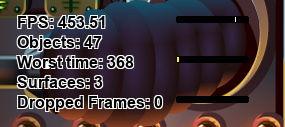
create obj_monitor
This will display on screen information about how long it takes to produce each frame of the game.
Change crew movement speed :
set obj_player maxspeed 4
This will make all crew move faster.
Debug sounds:
game debug_audio
Display all sounds that should be playing
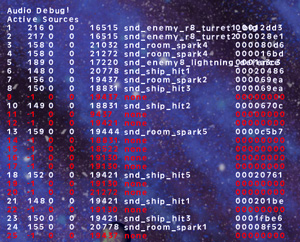
Debug sound location :
create obj_debugsound
This will draw on the screen all the same sounds and where they should be coming from (so I can test if the 3D audio and Doppler effects are working)
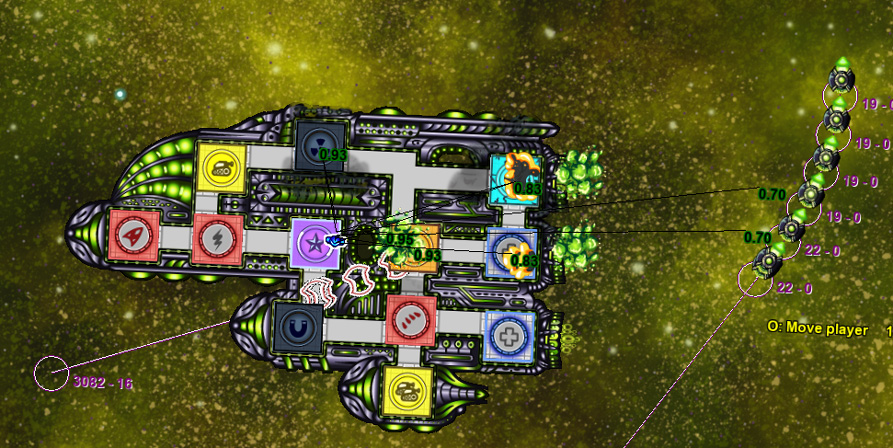
Debug networking :
create obj_networkdebug
This will show all incoming and outgoing communication sent between the computers.
Show current score :
script display_current_score_init 0
This will show you your current score if the game was to finish now
See enemy HP :
set obj_ship seeenemyhp true
This will draw a little pie chart over enemies so you can see their health.
See damage :
set obj_ship seeenemydamage true
This will draw a little popup showing you how much damage your guns are doing.
Jump between screens :
game room_goto room_selectlevel
Sometimes I am lazy and use this to quickly jump around parts of the game, its likely if you jump to a screen the game isn't expecting you will get a crash.

Camera movement :
set obj_camera camera_offset_move_speed 10
set obj_camera moving_cam_amount 1000
set obj_camera zoommax 110
I dont know why but you might want to make the camera move around really fast or track objects when they are off the screen, these numbers control that
Screenshake :
set obj_camera shakeframes 1000
set obj_camera shakeamountmax 50
This changes the screenshake and will override anything you change in the settings. I take no responsibility if you make yourself sick or get a headache from making these numbers crazy.
All of these are basically cheating but maybe you want to change them and spawn a bunch of enemies to make it harder.
Infinite energy :
set obj_ship.energypersecond 999
Go full lasers without having to worry about the energy?
Make all weapons OP :
set obj_ship.damagemultiplier = 9000
This makes all weapons do 9000 times more damage and one hit kills everything. I actually think making weapons do 20 times more damage but only starting with 10-30 HP is an incredibly fun game. It turns Undercrewed into a far more tactical game, You will kill all enemies in about 2 or 3 shots however you also need to play far more defensive!
Make weapons not need ammo :
set obj_roomall ammo_max 999999
Technically this doesn’t turn off ammo, it just gives all rooms more ammo than you would been for hours of play.
Make rooms indestructible :
set obj_roomall invincible true
Change move speed :
set obj_ship.moveamount 50
set obj_ship.turnamount 10
Unlock level :
script unlock_level 4
Change the number to select what level you unlock, as I write this Undercrewed is not in a finished state so you can actually jump to unreleased levels to see how they currently look and what I’m playing with.
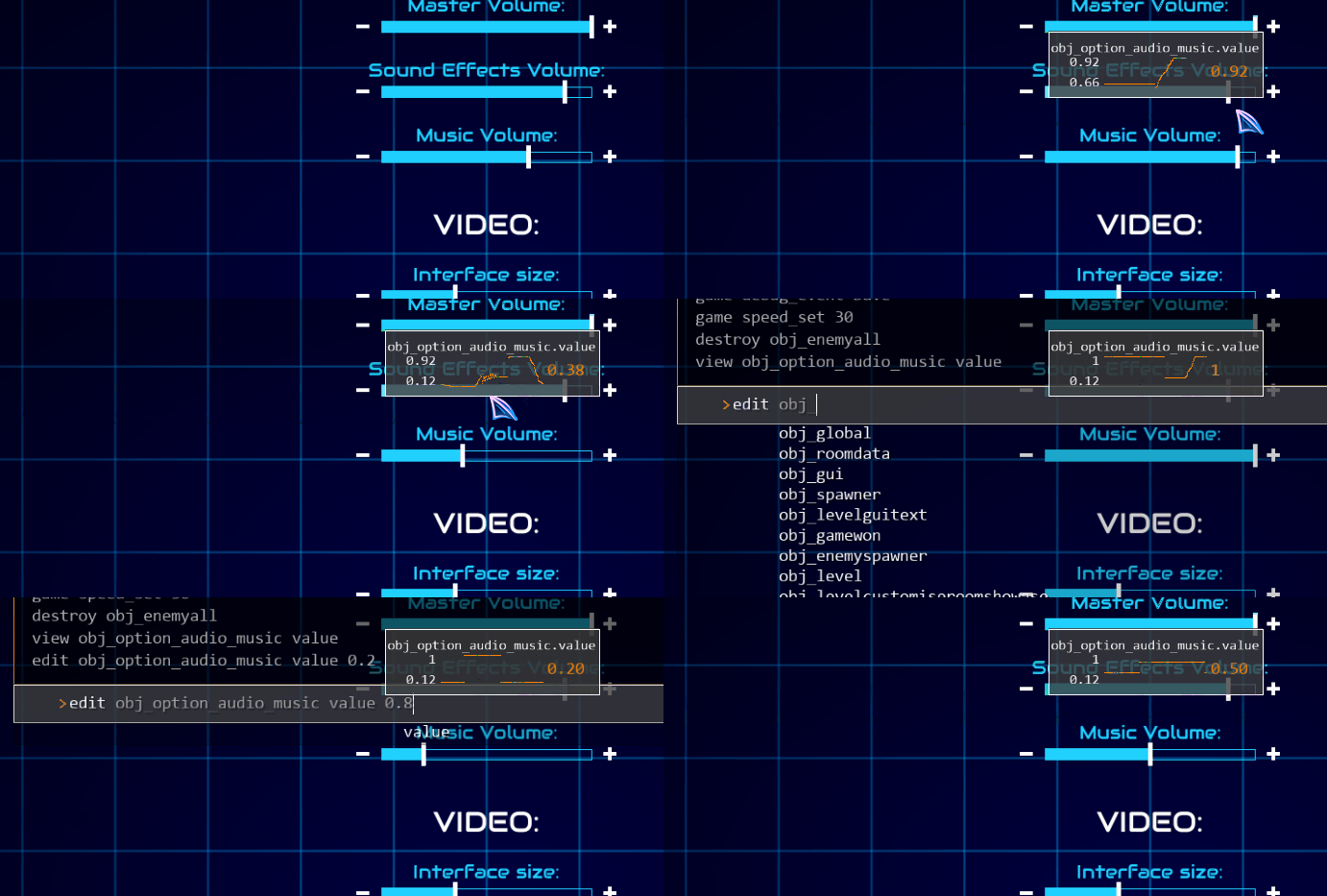
I should also point out you can use it to view internal variables:
Console Video :
I actually made the console so other developers can drop it into their project to help debug, here is a small video for that but it also shows some more cool things you can do:
Tech details :
CREATE
This allows you to add any object into the game world
create [object name]
create obj_holomedic
SET
This allows you to change any value in the game
set [object name] [variable] [new value]
set obj_enemyr5t5 hp 10
DESTROY
This allows you to remove any object from the game world
destroy [object]
destroy obj_elonsium_intruder
VIEW
This allows you to see the value of any part of the game
view [object] [variable]
view obj_global version_save
SCRIPT
This allows you to run part of the game
script [script name] [variable]
script pause_game
GAME
Various functions you can quickly run
game [command]
game restart
CONSOLE
Commands for the console
console [command]
console delete_history
<< Back to Home